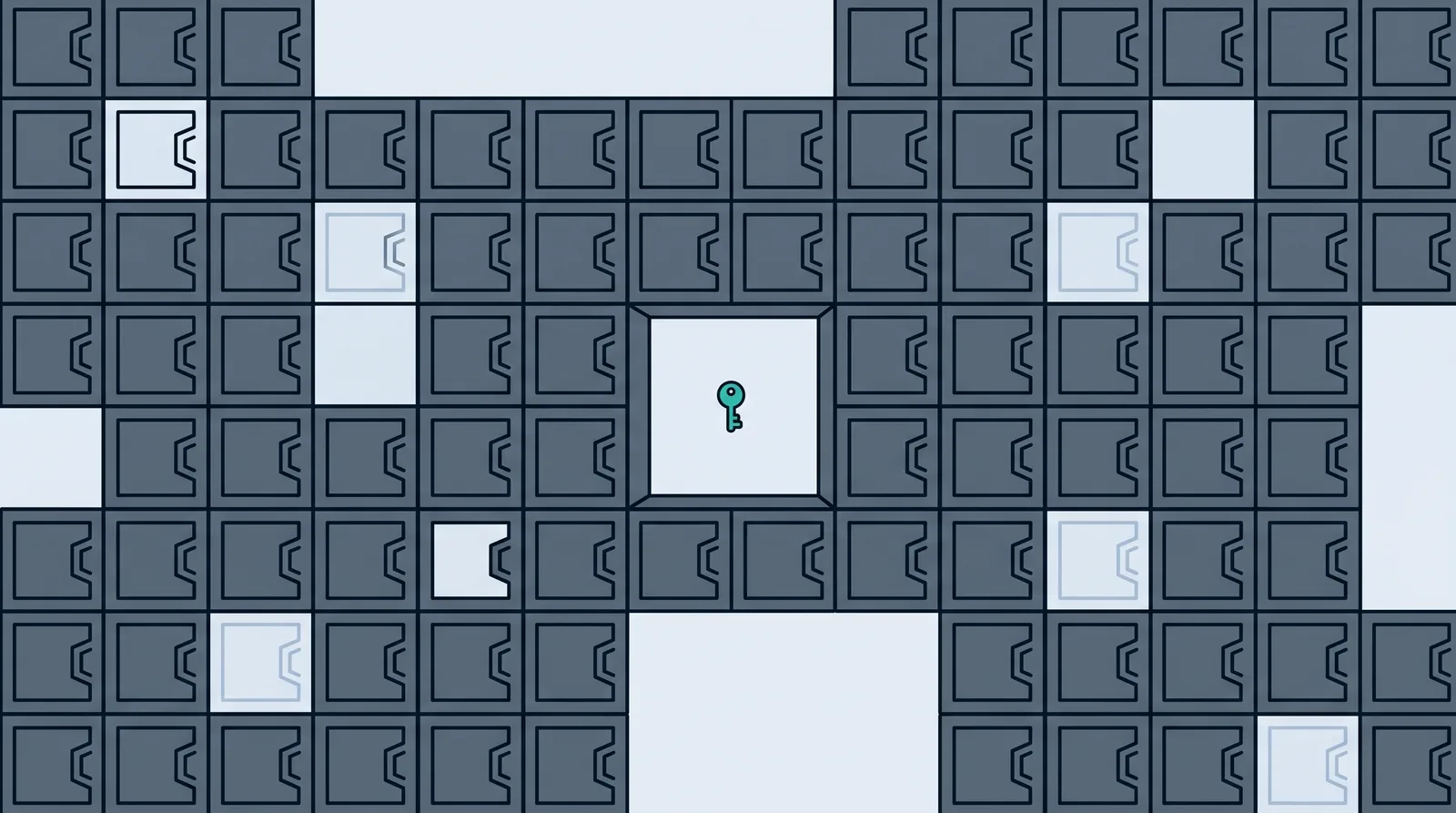
Almost everyone has a firewall running right now and almost nobody has looked at it. It came switched on with the laptop, and a second one came built into the router. That is mostly fine, because the defaults are sensible. What is not fine is the belief that follows: that because the firewall is there, the network is handled. A firewall does one specific job extremely well and a long list of other jobs not at all, and the gap between those two lists is where most incidents happen.
What Is a Firewall?
A firewall is a barrier between two networks that examines the traffic trying to cross and allows or blocks each piece of it against a set of rules. CISA describes the job plainly: firewalls shield your computer or network from malicious or unnecessary network traffic by blocking data from particular places, applications or ports while letting legitimate data through.
The useful mental picture is not a wall. It is a door with a guest list. Everything arriving gets checked against the list, and the list is something a person wrote. Anyone on it walks in. Anyone not on it is turned away, and in most configurations they are turned away silently, so the sender never learns whether the door exists.
That analogy carries the most important limit with it. The door checks the guest list. It does not check whether the guest is honest. A firewall enforces a policy about which connections are permitted; it does not judge intent, and outside of the more advanced types it does not inspect what is inside an allowed connection. This is why a firewall belongs inside a layered defense rather than standing in for one, and why the same reader who has a firewall still needs a password manager, patched software and multi-factor authentication.
Firewalls come as physical boxes, as software running on your laptop, and as a service running in a cloud provider's network. The form changes. The job does not.
How Does a Firewall Work?
Network traffic travels in packets. Each packet carries a header, and the header states where it came from, where it is going, which protocol it is using and which port it wants on the destination machine. A firewall rule is a statement about those fields: allow TCP traffic from anywhere to port 443 on the web server, block everything arriving on port 3389, allow this application to talk out and nothing else.
The firewall reads its rule list in order, top to bottom, until a rule matches the packet. At the bottom sits the rule that decides what happens to everything unmatched, and on a well-built firewall that rule is "block". NIST's guidance is explicit that firewalls should block all inbound and outbound traffic that has not been expressly permitted, a practice its Guidelines on Firewalls and Firewall Policy calls deny by default, on the grounds that it is more secure than permitting everything not explicitly forbidden. Home routers and consumer operating systems ship this way for inbound traffic already.
The step that turns a crude filter into a useful one is stateful inspection. A stateless firewall looks at each packet alone and has no memory, which makes it fast and easy to trick. A stateful firewall keeps a table of the connections currently open, so it can tell the difference between a reply to something you asked for and an approach from a stranger.
Read the diagram twice and the whole idea lands. Traffic you started is welcome back. Traffic nobody asked for is not. That single distinction is what stops the internet's constant background scanning from reaching anything in your house or office.
Types of Firewalls
The names multiply because vendors keep adding capability to the same box. Underneath, they describe how much of the traffic the firewall can actually see.
| Type | What it inspects | Where you meet it |
|---|---|---|
| Packet filtering | Header fields only: addresses, ports, protocol. No memory of connections | Old routers, simple network access lists |
| Stateful inspection | Header fields plus a table of open connections | Your home router, every business firewall since the 1990s |
| Proxy or application gateway | Terminates the connection and inspects the content of the protocol itself | Corporate web gateways, email gateways |
| Next-generation firewall | Stateful inspection plus application awareness, user identity and intrusion prevention | The appliance a company with a network team buys |
| Web application firewall | HTTP requests aimed at one web application, looking for injection and abuse | In front of a website, usually as a service |
| Host-based or software firewall | Traffic in and out of one device, per application | Windows Firewall, the macOS firewall, Linux nftables |
| Cloud or firewall-as-a-service | The same filtering, run in a provider's network rather than a box you own | Remote and multi-site companies with no data center |
Two of those are already running for you. The router at home or in a small office is a stateful firewall, and it is doing the single most valuable thing on the list: refusing unrequested inbound connections. The operating system firewall on each device is doing the same job one layer closer in, and it also controls which installed applications are allowed to accept connections at all.
The rest are business purchases, and the honest guidance is that a small company does not need a next-generation firewall before it has multi-factor authentication everywhere, patched laptops and backups it has tested. The order matters more than the shopping list. A web application firewall is the exception worth buying early, because it protects something exposed to the whole internet by design.
Hardware Firewall vs Software Firewall
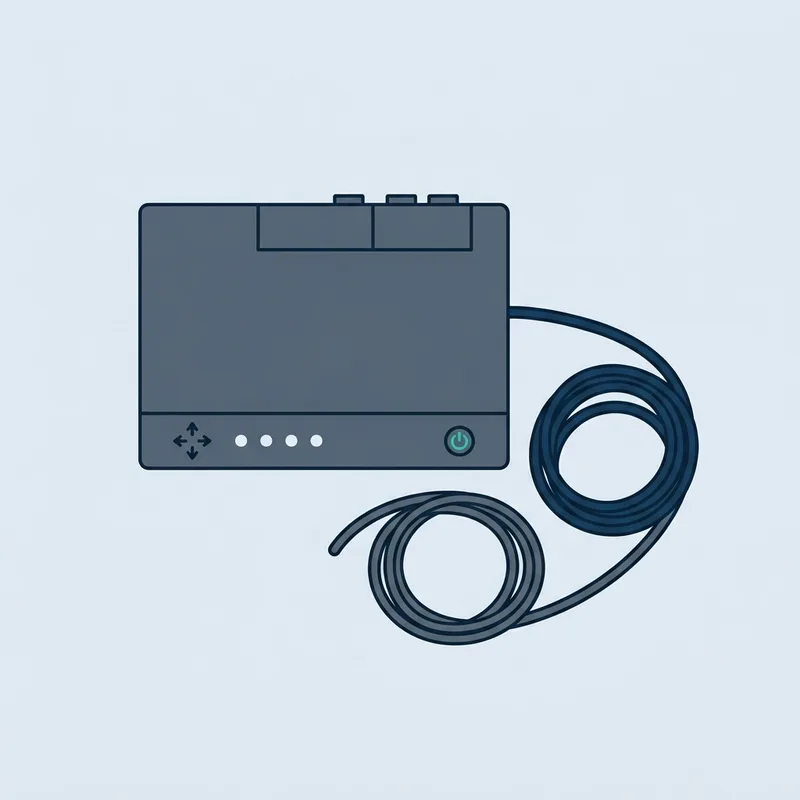
The distinction is where the filtering happens: on a separate device that everything passes through, or on the machine being protected.
CISA's position on choosing between them is refreshingly blunt: the decision to use a firewall matters more than which type you use, and its guidance is to enable the operating system firewall even when an external firewall is already in place. That is the answer for almost every household and small office. Keep the router doing its job, leave the built-in firewall on every device switched on, and stop shopping.
One warning worth keeping. CISA also notes that default settings are typically less restrictive, so a device that arrives with remote management or universal plug and play enabled is a device to check rather than trust.
What Does a Firewall Protect You From?
A firewall protects you from anything that requires an unrequested inbound connection. That is a real and constant threat: internet-wide scanning finds exposed remote desktop, database and management ports within minutes of them appearing, and the firewall is what makes yours invisible. It also limits what a compromised device can reach, when someone has bothered to write outbound and internal rules.
Here is the list it does not cover, which is longer than the vendor pages tend to admit.
- A phishing email that persuades someone to type a password into a fake login page. The traffic is an ordinary outbound web request that the user initiated. Nothing about it violates a rule.
- A stolen or reused password used to sign in to a cloud service. The attacker connects to Microsoft or Google, not to your network. Your firewall is not in the path at all.
- A malicious file the user downloaded and opened. Allowed out, allowed back, opened by the person the firewall exists to serve.
- A vulnerability in a service you deliberately published. If port 443 is open to the world because you run a website, the firewall's job is to let that traffic through.
That last category is now the largest single starting point for breaches. The 2026 Verizon Data Breach Investigations Report found 31 percent of breaches beginning with vulnerability exploitation, the first time in nineteen years that it has overtaken stolen credentials as the top entry point, with attackers now closing the gap between a patch and a working exploit in hours. A firewall does not fix an unpatched service; it only controls who can reach it.
Should a Firewall Be On or Off?
On. There is no configuration of a normal home or business network where turning the firewall off is the right answer, and Microsoft says so in its own documentation: Windows Firewall is enabled by default on all Windows editions and Microsoft recommends that you do not disable it, because switching it off also gives up connection security rules, protection against network fingerprinting and boot-time filtering.
People turn it off for one of three reasons: a game will not connect, a printer will not appear, or a file share between two machines is not working. In every case the correct fix is a rule for that one application or that one network profile, which takes about a minute, rather than opening the whole device to the network. Windows applies a stricter profile on public networks than on your home network for exactly this reason, so the coffee shop and the living room can have different answers.
How to Check Your Firewall
Checking takes about five minutes and is worth doing once a year, and immediately after anyone has been troubleshooting a network problem.
Firewall Best Practices for Home and Small Business
Most of the value is in five decisions, and none of them require buying anything.
Do You Still Need a Firewall?
This is genuinely contested, and the argument against is not stupid. The work moved to cloud services that your firewall does not sit in front of. The devices moved out of the building. Zero trust says location on the network should confer no trust at all, which retires the idea of a safe inside and a dangerous outside. On that reading the perimeter firewall is a relic.
Our view is that the conclusion is wrong even though the premises are right. The firewall stopped being the whole defense; it did not stop being the thing that keeps unrequested inbound connections off every device you own. And the case for maintaining it carefully has strengthened rather than weakened, because the firewall is now a target in its own right. In February 2026 CISA, the FBI and the UK's National Cyber Security Centre published a joint fact sheet on end-of-support edge devices, naming firewalls, routers, load balancers and VPN gateways as devices that nation-state actors exploit as entry points into otherwise modern networks. An internet-facing appliance nobody patches is worse than no appliance.
Key takeaways
- A firewall inspects traffic against rules and allows or blocks it. It enforces policy; it does not detect intent.
- Deny by default on inbound traffic is the setting that matters, and your router and operating system already do it.
- Stateful inspection is the important capability: replies to what you asked for get in, approaches from strangers do not.
- Hardware and software firewalls do different jobs. Run both, which is also CISA's guidance.
- Phishing, stolen passwords, downloaded malware and unpatched public services all walk straight past a firewall.
- The firewall itself is now a target. An unpatched or unsupported edge device is an entry point, not a defense.
- For a small company, monitoring who is watching the logs beats buying a bigger firewall.
Common questions
What is the best definition of a firewall?
A firewall is a network security control that inspects traffic passing between two networks and allows or blocks each connection against a defined set of rules. The short version: it decides what is permitted to connect, based on a policy you control.
What is a firewall in simple terms?
A door with a guest list. Every connection trying to reach your network gets checked against the list. Anything on it goes through, anything else is turned away, usually without any reply at all so the sender cannot tell your device is there.
Should a firewall be on or off?
On, always. Microsoft's own documentation recommends against disabling Windows Firewall, and CISA recommends running the operating system firewall even behind a hardware one. If an application will not connect, write a rule for that application rather than switching the firewall off.
How do I check my firewall?
On Windows, open Windows Security and look at Firewall and network protection; all three profiles should be on. On macOS, System Settings, then Network, then Firewall. On your router, sign in to the admin page and check for port forwarding rules you did not create and remote management being enabled.
What are the main types of firewalls?
Packet filtering, stateful inspection, proxy or application gateway, next-generation firewalls, web application firewalls, host-based software firewalls, and cloud or firewall-as-a-service. They differ in how much of the traffic they can actually see, from header fields only up to the content of the application protocol.
Do I need a firewall if I have antivirus?
Yes, because they work at different points. A firewall controls which connections are allowed to reach a device. Antivirus or endpoint protection inspects files and behavior on the device once something is already there. Neither one substitutes for the other, and neither one stops a person from typing a password into a fake page.
Does my router have a firewall?
Almost certainly. Any home or small office router doing network address translation is also acting as a stateful firewall, refusing inbound connections that do not match something you started. That is why devices on a home network are not directly reachable from the internet unless port forwarding was configured.
Can a firewall stop ransomware?
Partly, and not at the moment that matters most. A firewall can block the remote desktop exposure and unpatched services that ransomware crews use to get in, and outbound rules can interrupt some command and control traffic. It cannot stop ransomware that arrives because someone opened an attachment or an attacker signed in with a valid password.
What is the difference between a firewall and a VPN?
A firewall filters traffic and decides what is allowed to connect. A VPN encrypts traffic and carries it through a tunnel to somewhere else, so the network in between cannot read it. They are often the same physical box in a business, which is why they get confused, but one is a filter and the other is a tunnel.
Do I need a firewall at home?
You already have two, in the router and on each device, and the job is keeping them on and updated rather than buying a third. The additions worth making at home are a separate network for smart devices and a router that still receives firmware updates.
Can a firewall be hacked?
Yes. Firewalls, VPN gateways and routers are internet-facing software with vulnerabilities like anything else, and CISA, the FBI and the NCSC warned in February 2026 that attackers use unsupported edge devices as entry points into networks. Patch the firewall, replace it when the vendor stops supporting it, and never leave its management interface reachable from the internet.

Daniel Reyes
Daniel Reyes is a CISSP who spent twelve years in security operations, most recently leading a detection and response team for a mid-sized healthcare group in Texas. He reviews every resource and breach report on Cyber Security Firms for technical accuracy before it publishes.
Most of the people he has trained arrived having been told too much: a dozen acronyms, six vendors, and no clear idea which risk was theirs. His approach is to explain what an attack actually does before naming the tool that stops it, on the basis that most breaches start with something a reader could have recognised.